On your website
Customers can see your products in their own space, directly from the product page.
Learn more ↓
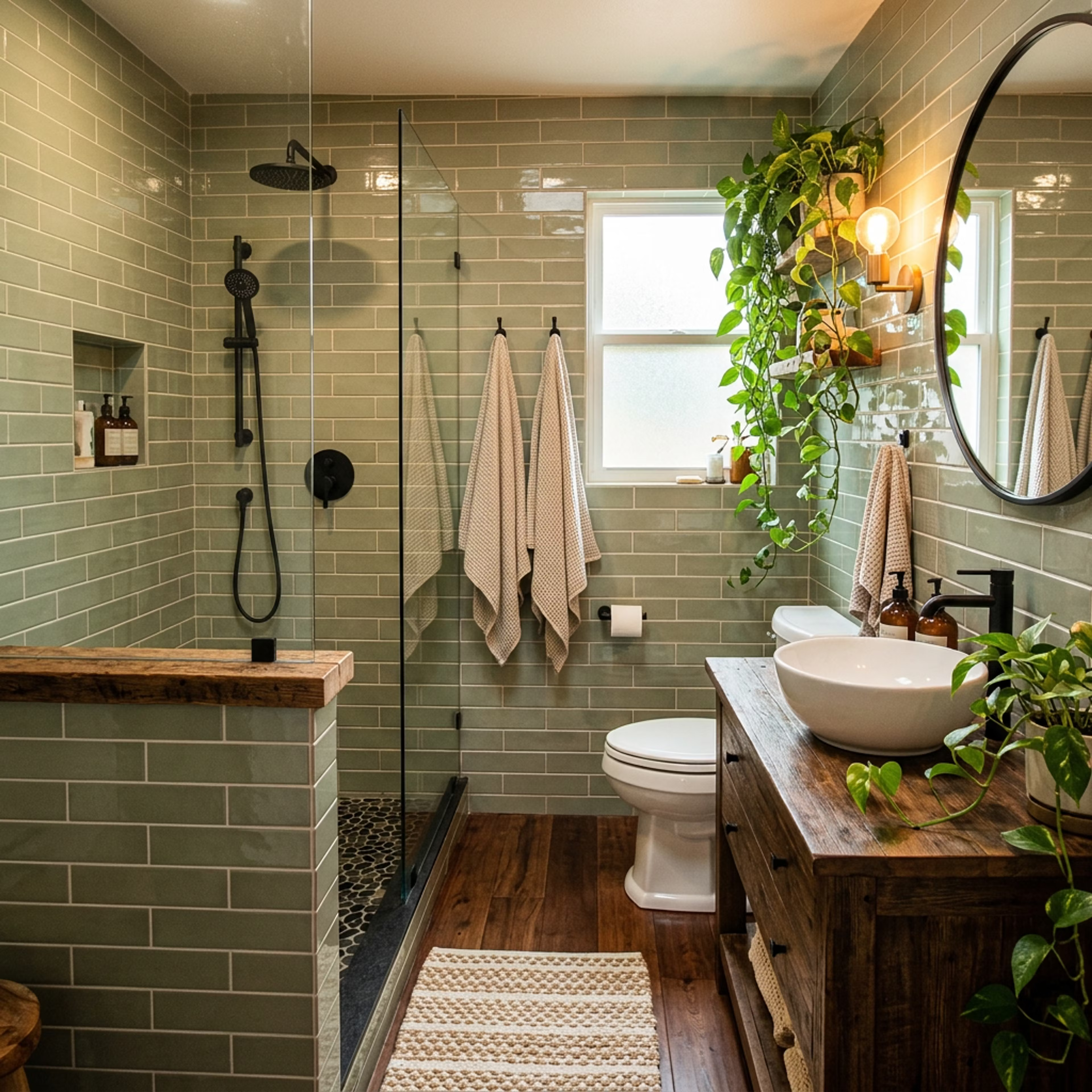
Pick from the catalog
Shoppers stall on your product page because they cannot picture the material at home. Visual Sales Studio answers that on the page itself, so more of the traffic you are already paying for ends in an order.
In one minute
A room photo, a product from your catalog, and a finished visualization - see how the experience works from start to finish.
Customers can see your products in their own space, directly from the product page.
Learn more ↓A consultant shows customers the visualization on a laptop, tablet, or phone.
Learn more ↓How it works
From your live catalog — price, SKU, and size included.
No app to install, nothing to measure, no prompt to write.
Material, perspective, and lighting matched to the room they sent.
One step from the result to the exact SKU that produced it.
On the sales floor
A customer who can see the material in their own room commits sooner and to a bigger basket. It runs on the consultant’s laptop - no new hardware, no new process.

Your consultant shows the customer on screen how the flooring, tile, or furniture they are holding looks in their own room. The customer sends a photo by QR code and works through options in seconds, instead of leaving to "think about it".
Categories
Anything a customer wants to see in place before they commit - the same engine covers floors, walls, furniture, and fittings.
Laminate, parquet, vinyl - plank direction and texture follow the room’s perspective, which is what a sample board cannot show.
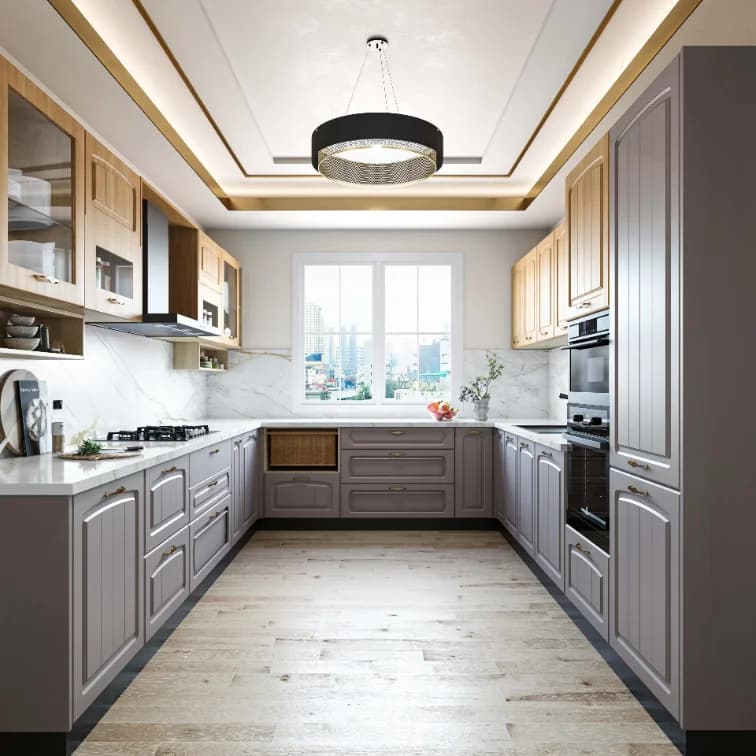 Before
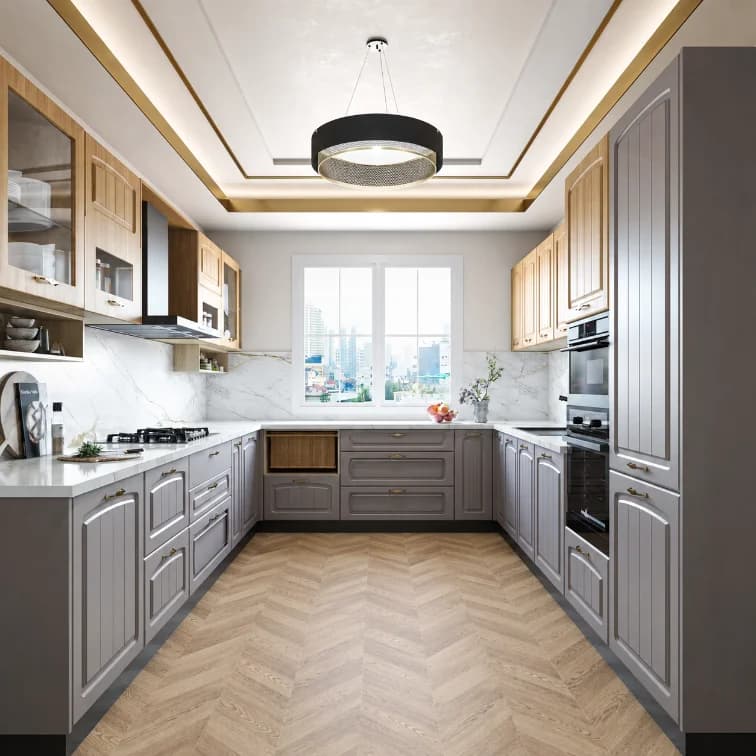 After
AfterSofas, armchairs, cabinets - scale against the customer’s own walls, the question that drives most furniture returns.
 Before
 After
AfterTile, mosaic, wallpaper, paint - the categories where a hand-sized sample has to sell a whole room.
 BeforeAfter
The visitor is already on the product page. Answering "how will this look in my room" there is what turns a browse into an order, without buying a single extra click.
It runs under your name, colours, and typography. Nothing tells the customer a third party is involved, and no traffic leaves your domain.
Price, SKU, size, variants, and stock come from your own catalog and stay in sync - so a visualization can never sell something you do not have.
Every result is bound to the SKU that produced it, so the path from "I like that" to the cart is one step and never loses the product.
Which products get tried, compared, and saved - intent from customers who have not bought yet, which is exactly what merchandising and buying decisions need.
Catalog import, installation, and consultant training are ours. Your team supplies catalog access and a place to put the widget. After launch you get monitoring, updates, and one named point of contact.
What makes it different
A generic AI tool produces a pretty picture and nothing you can sell. What a retailer needs is a system tied to the real catalog that carries the customer from choosing a product to paying for it.
Generic AI chat / generator
Your brand’s Visual Studio
FAQ
It removes the reason people leave a product page without buying: they cannot picture the material at home. The shopper answers that question on the page, on the SKU they were already looking at. We will not quote you a conversion figure we have not measured on your catalog - that is what the demo is for.
Catalog import, installation, and consultant training are ours. From you we need catalog access and a place on the product page to put the widget. No replatforming, and nothing to rebuild.
Weeks, not quarters. The length depends on how your catalog is exposed - a clean product feed is the fastest route, an API is next, and a scrape of the live site is the fallback.
Yes. Photos, names, SKUs, sizes, variants, and stock come from your catalog and stay in sync, and every visualization is bound to the product page it came from. A visualization can never sell something you do not have.
No. It runs under your name, colours, and typography, on your own domain. There is no third-party branding and no redirect off your site.
Colour, texture, and pattern are held as close to the real product as the source photography allows. It is a realistic simulation for a buying decision, not a technical render for a specification - and we say so on the page rather than letting a customer discover it.
Flooring, tile, wallpaper, paint, furniture, kitchen surfaces, and sanitary ware. If a customer wants to see it in place before committing, it is in scope.
Which products get tried, compared, and saved, and how often. That is intent from people who have not bought yet - the part your sales data cannot show you.
By file, API, or your admin system, on whatever schedule your catalog changes. We fit the method to how your store already runs.
Next step
Send us your details and we will build a short demo on your catalog, in your branding, so you are judging your own products rather than someone else’s.